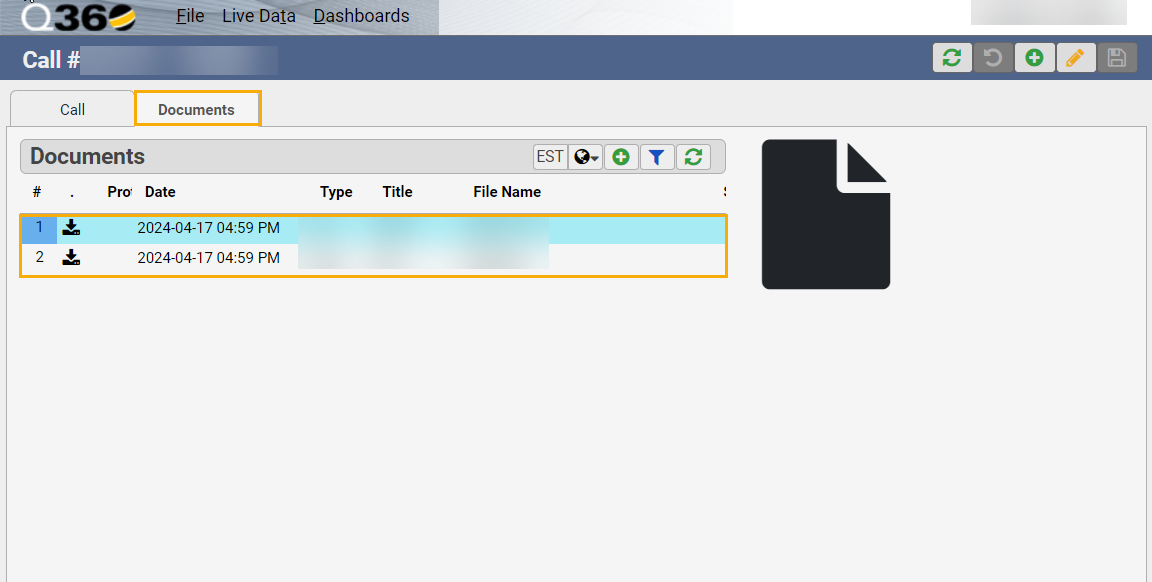
With proper permissions, External Users may view the Documents tab and Documents grid contents on a service call.
Permissions required:
- HELPDESK (view) – allows user to view the Call form
- DOCUMENT (view) – allows user to see the Documents tab on a call and the grid contents according to the public flag / user type (see below)
Additional requirements:
- Document must be flagged as public – External Users may only view public documents
- Document LinkType must be SERVICE
Note: without the above, External Users may still upload documents to a call, but these will not be visible (to any users) after upload