The Single Service Invoice feature in Q360 enables multi-site Customers to receive a consolidated Invoice for Service Contracts across their Sites, helping to streamline billing. By configuring this option at both the Customer and Site levels, you may select either a combined or individual Invoice
Feature Overview
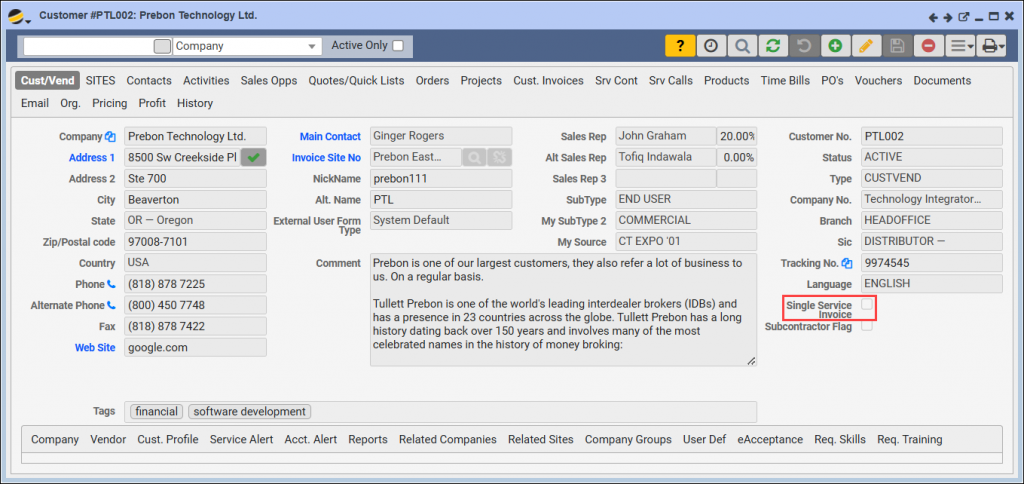
- Customer Form Checkbox
- Go to the Customer form
- Under the Cust Vend tab, check the Single Service Invoice box to consolidate all Service Contract Invoices for the Customer into one Master Invoice if billed at the same time
- This setting will only apply if Service Contracts are billed together (e.g., via Accounting > Service Contracts > Bill Service Contracts or through Background Jobs). Service Contracts billed individually will generate separate Invoices
- Site Form Checkbox
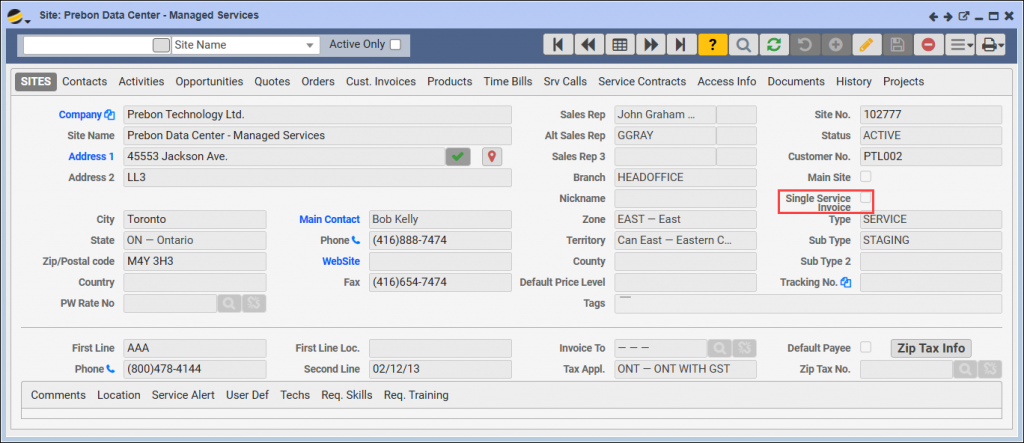
- Go to each Site Form under the Sites tab
- Checking the Single Service Invoice box on individual Sites allows you to control which Sites generate their own Invoices, even if the main Customer form checkbox is selected
Customer-Level Consolidation
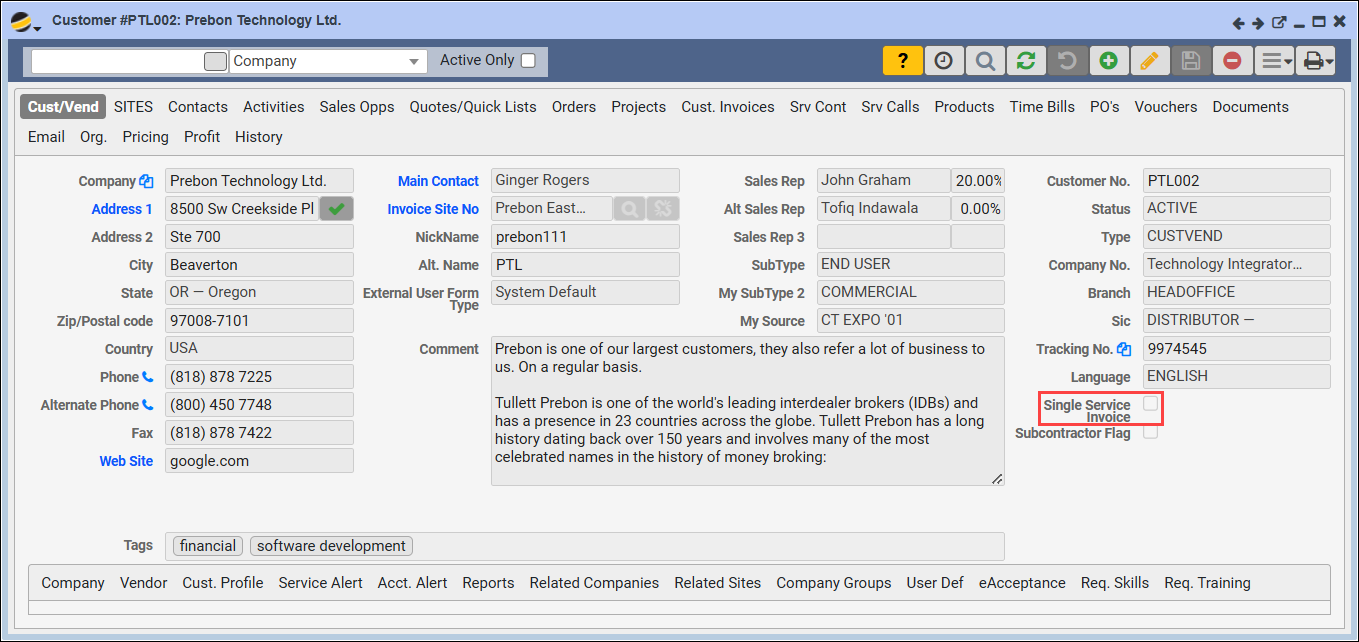
When the Single Service Invoice checkbox is selected on the Customer form:
- All Service Contracts for the Customer will be consolidated into a single Master Invoice if billed at the same time
- NOTE: For a Single Site Invoice, the Site must be selected as the ‘Invoice Site No’ Site on the Service Contract
- If Service Contracts are billed individually, this setting will not apply, and separate Invoices will be generated per Contract
Site-Level Customization
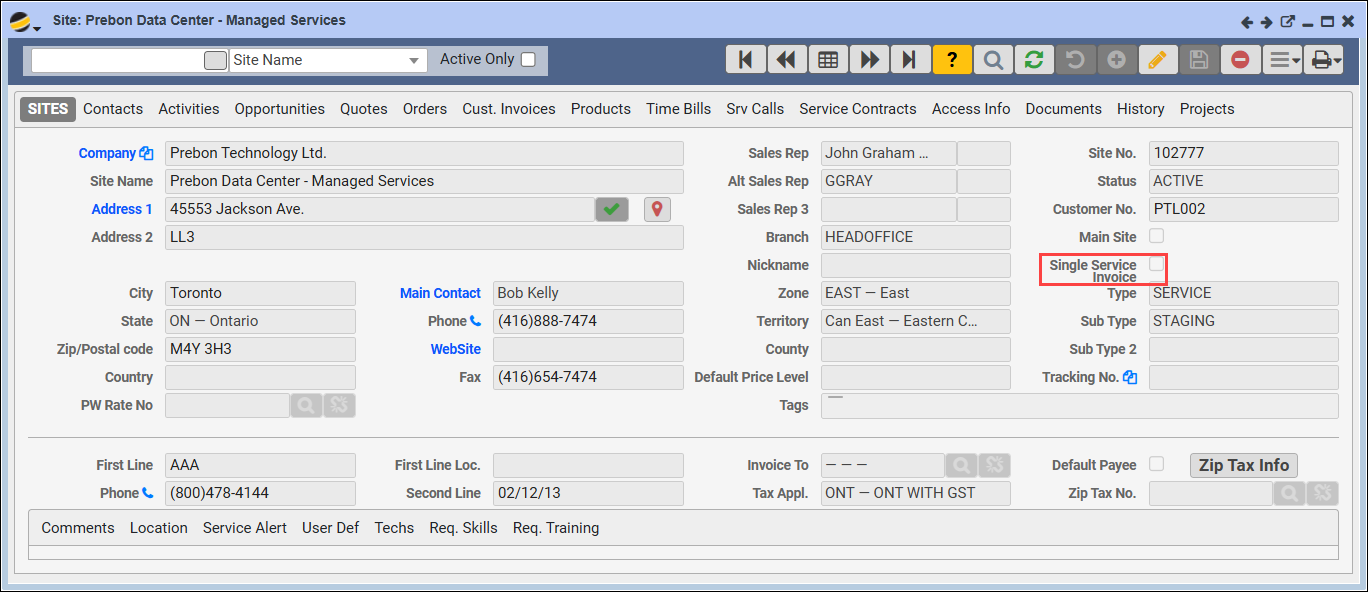
If both the Customer form and specific Site form have the Single Service Invoice checkbox selected:
- Q360 will include each checked Site on a single Master Invoice if the Service Contracts for these Sites are billed at the same time
- Sites where the Single Service Invoice box is left unchecked will receive separate Invoices as needed
Example Scenarios
Scenario 1: Single Master Invoice
For a multi-site Customer with five Service Sites:
- The Customer form has Single Service Invoice enabled
- Three of the Sites also have Single Service Invoice enabled on their Site forms
- The other two Sites do not have Single Service Invoice checked
Result: When billing all five Service Contracts simultaneously:
- One Master Invoice will be created that includes the three Sites with Single Service Invoice checked
- A separate consolidated Invoice will be generated for the other two sites
Scenario 2: Mixed Invoicing
For a Customer with multiple Sites:
- The Customer form has Single Service Invoice enabled
- Only one Site has Single Service Invoice enabled, while all other Sites do not
Result: When billing all sites together:
- The single Site with Single Service Invoice enabled will receive an individual Invoice
- All other Sites will be consolidated onto a single Master Invoice
Quick Tips
- Billing Timing Matters: for the Single Service Invoice setting to take effect, Service Contracts must be billed at the same time. Individual billing for Service Contracts will not consolidate Invoices
- Flexible Site-Level Billing: using the Single Service Invoice checkbox at the Site level allows control over which Sites receive consolidated billing, even if the Customer-level setting is enabled
By configuring the Single Service Invoice feature, Q360 provides flexibility in managing Invoices across multiple Sites, helping you meet each Customer’s unique billing needs.