Overview
Included in Q360 versions 23.01+, RMR (Recurring Monthly Revenue) Terms allow businesses to set standard contract lengths for recurring services, such as Service Contracts or maintenance agreements. This ensures consistency in Contract duration across Quotes, Orders, and Service Contracts.
RMR Term Setup
Configure RMR Term:
- Navigate to RMR General Code:
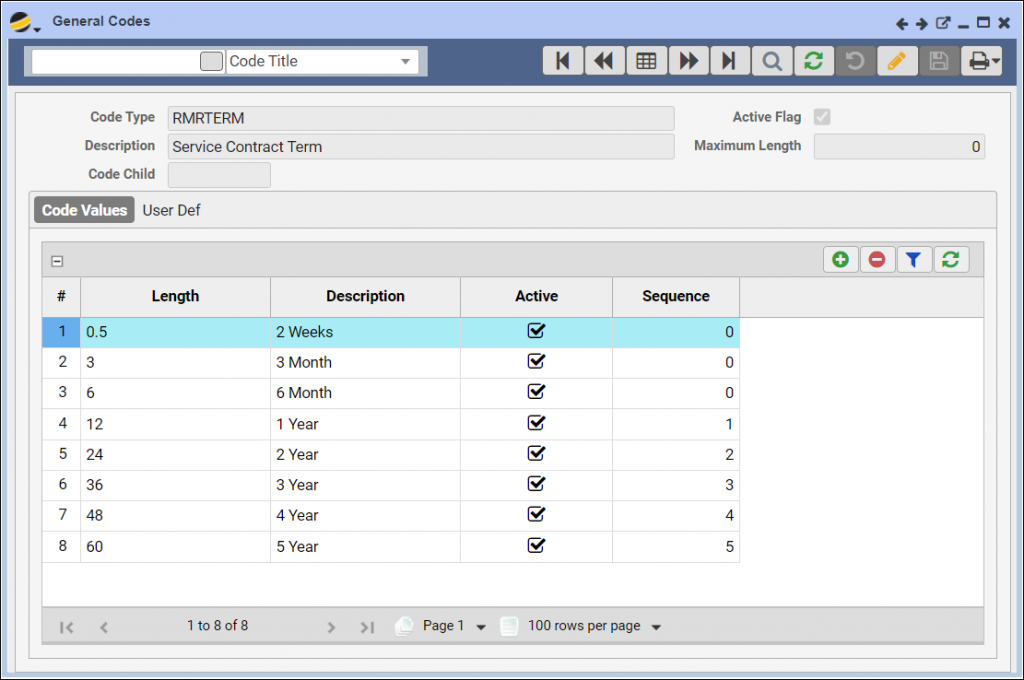
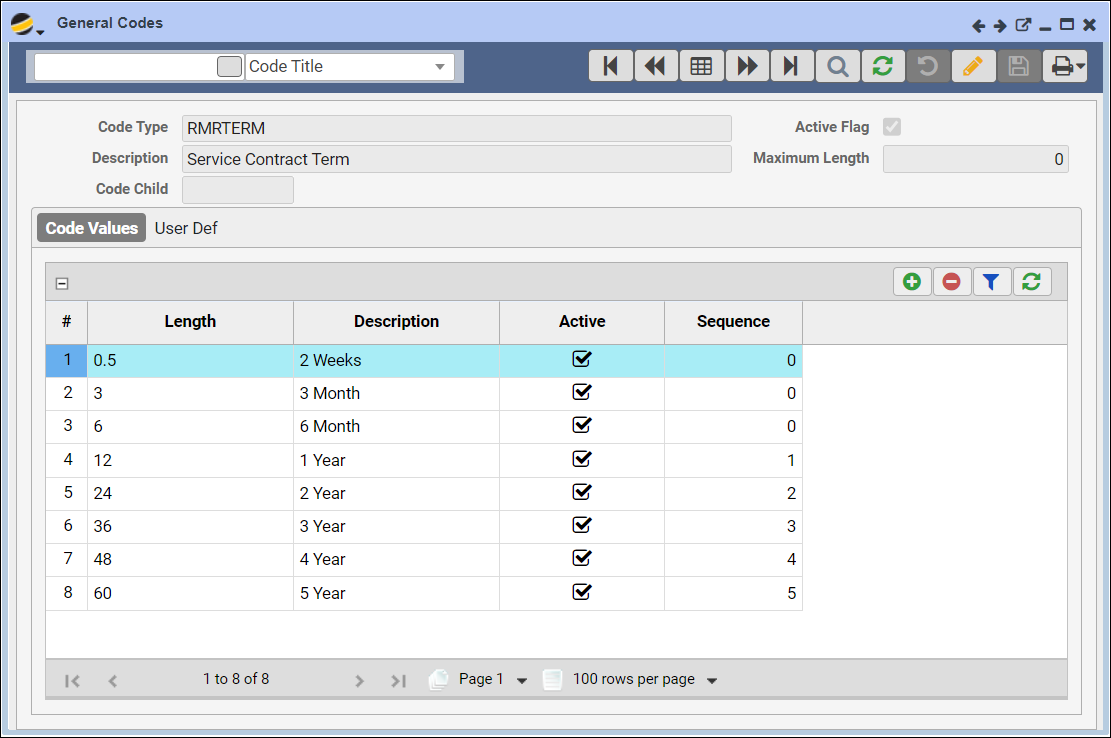
- Maintenance > General Codes > RMRTERM
- Add RMR Terms:
- Ensure that all necessary RMR Term options are available
- Add a new Term:
- Click the Edit button, then the Add (+) button
- Specify the contract Length in months (e.g., 3 for a 3-month contract)
- Type a descriptive Name (e.g., “3 Months”)
- Apply RMR Term to Masters:
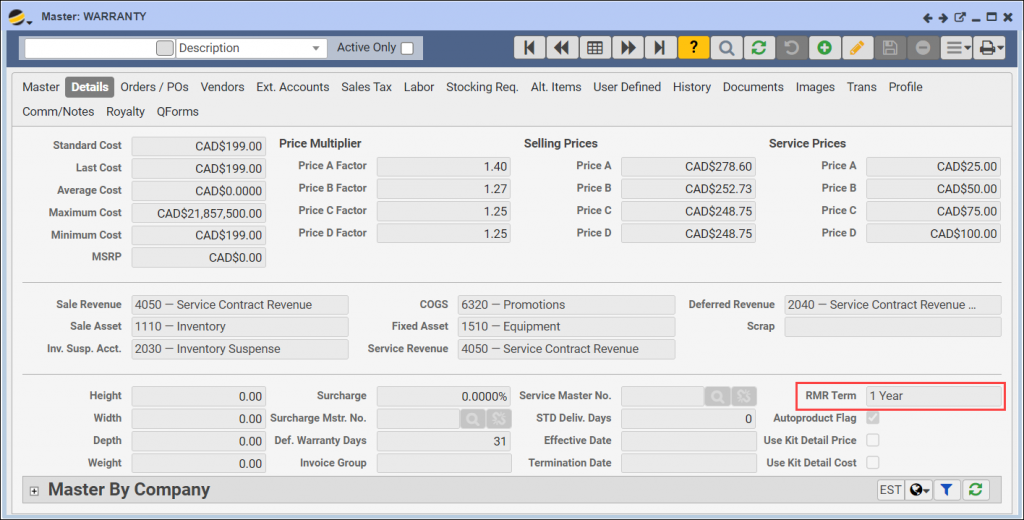
- Go to a Master item of type M (Miscellaneous) with the Warr/Def Rev flag checked
- Either select an existing Master or create a new one
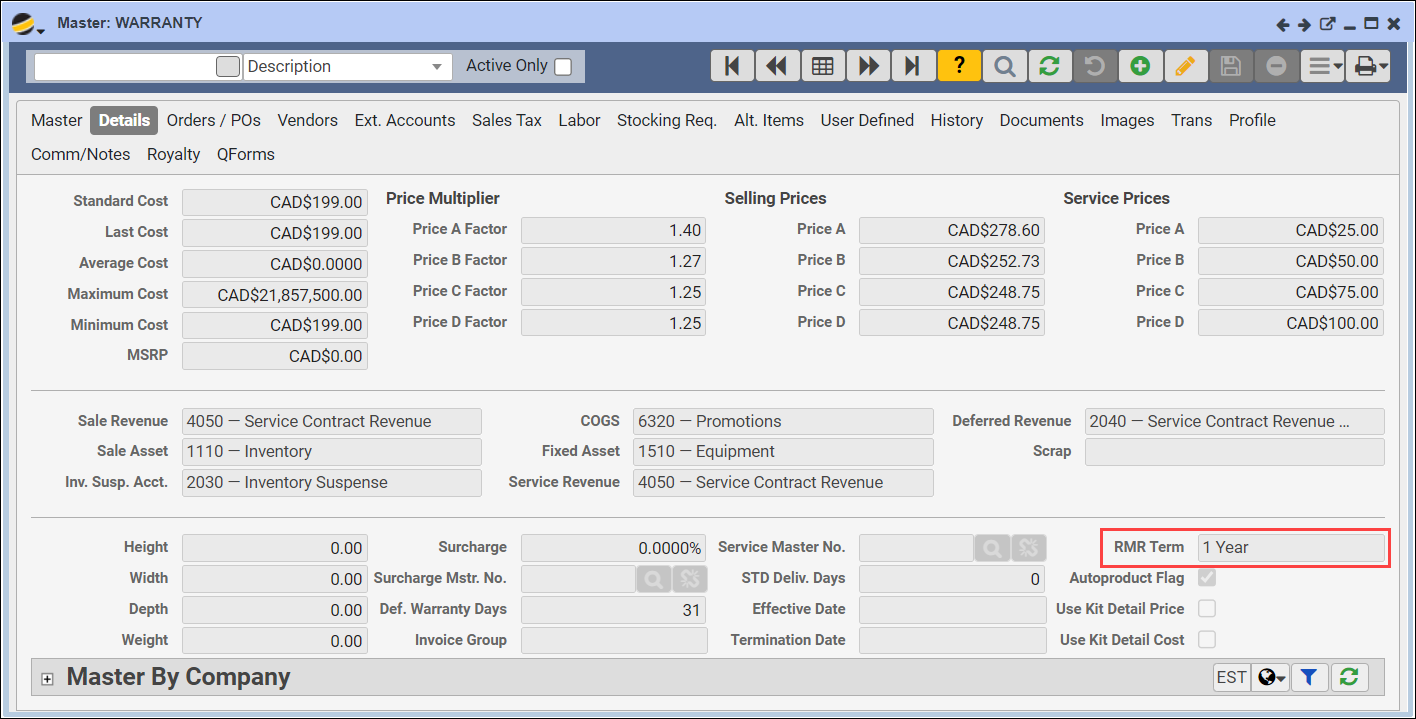
- On the Master form Details tab, locate the RMR Term field and in Edit mode, select the desired term from the dropdown menu
Using RMR Terms on Quotes and Contracts
- Create a Quote with RMR Terms:
- Open an existing Quote or create a new one
- Ensure the Sale Type leads to a Contract (this can be set in General Codes > Unified Type)
- Add a Master to the Quote:
- Add the Master with the predefined RMR Term as a Line Item
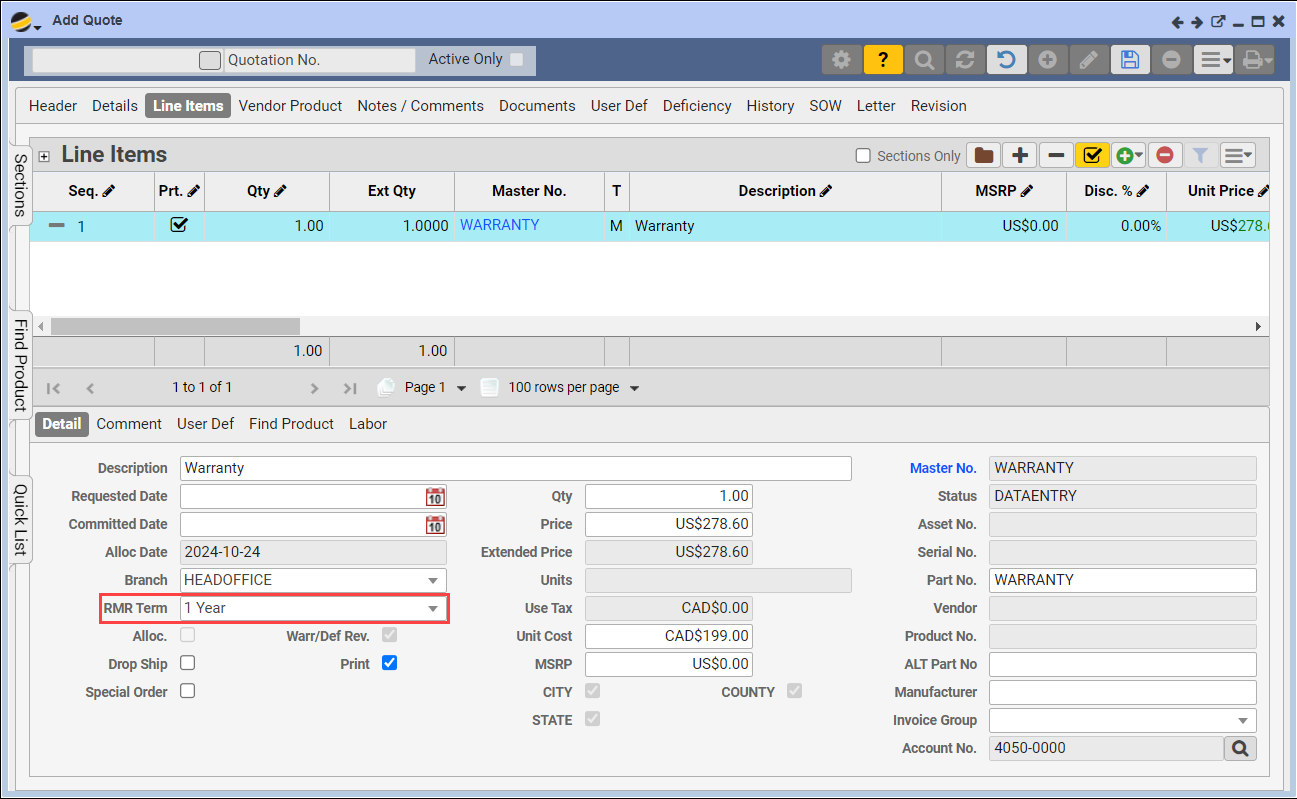
- Go to the Line Items tab > Details subtab. The RMR Term will auto-populate based on the Master’s setup
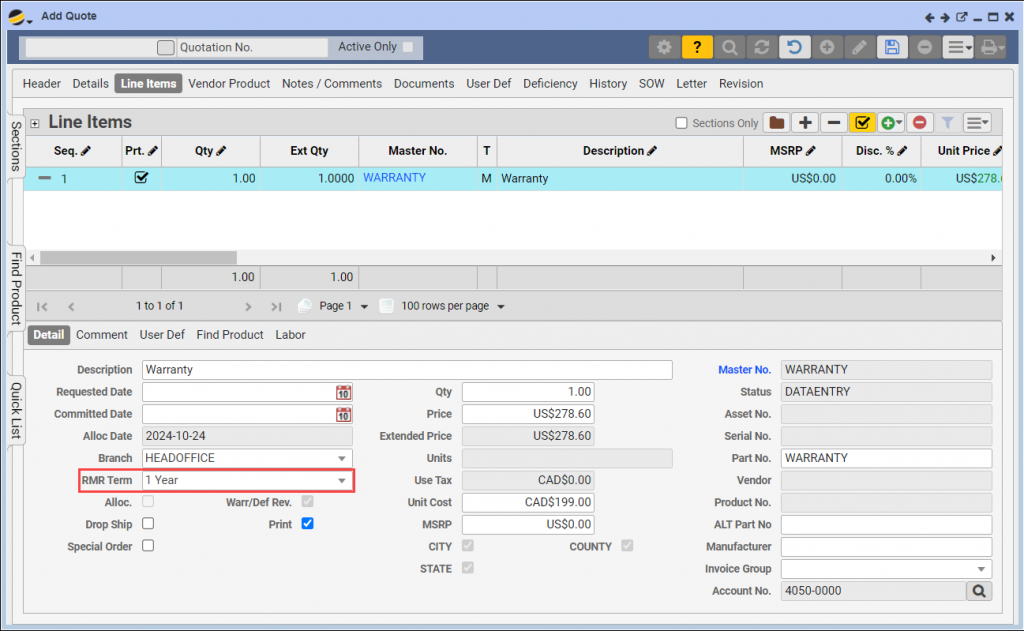
- Modifying RMR Terms (Optional):
- If necessary, you may modify the RMR Term on a Quote or Order (in Edit mode)
- Processing the Quote:
- Approve the Quote, convert it into an Order, and create a new Contract
- Service Contract Form:
- On the Service Contract form > Header tab:
- The RMR Term will default to the value selected on the Quote
- The Start Date will default to today and the End Date will be automatically calculated based on the selected RMR Term
- If multiple items have varying RMR Terms, the Contract will default to the longest term
- On the Service Contract form > Header tab:
- Line Item RMR Terms:
- On the Line Items tab, each Item will maintain its unique End Date, depending on its assigned RMR Term
By setting up and using RMR Terms, your business can streamline how recurring revenue contracts are structured and managed in Q360, ensuring that billing and Service Contract lengths are consistent and easy to manage.