External Users may access a limited version of Q360 via the Customer Portal (with proper permissions).
Main menu options (permission dependent)
- File
- Projects
- Live Data
- Dashboards
Toolbar options (permission dependent)
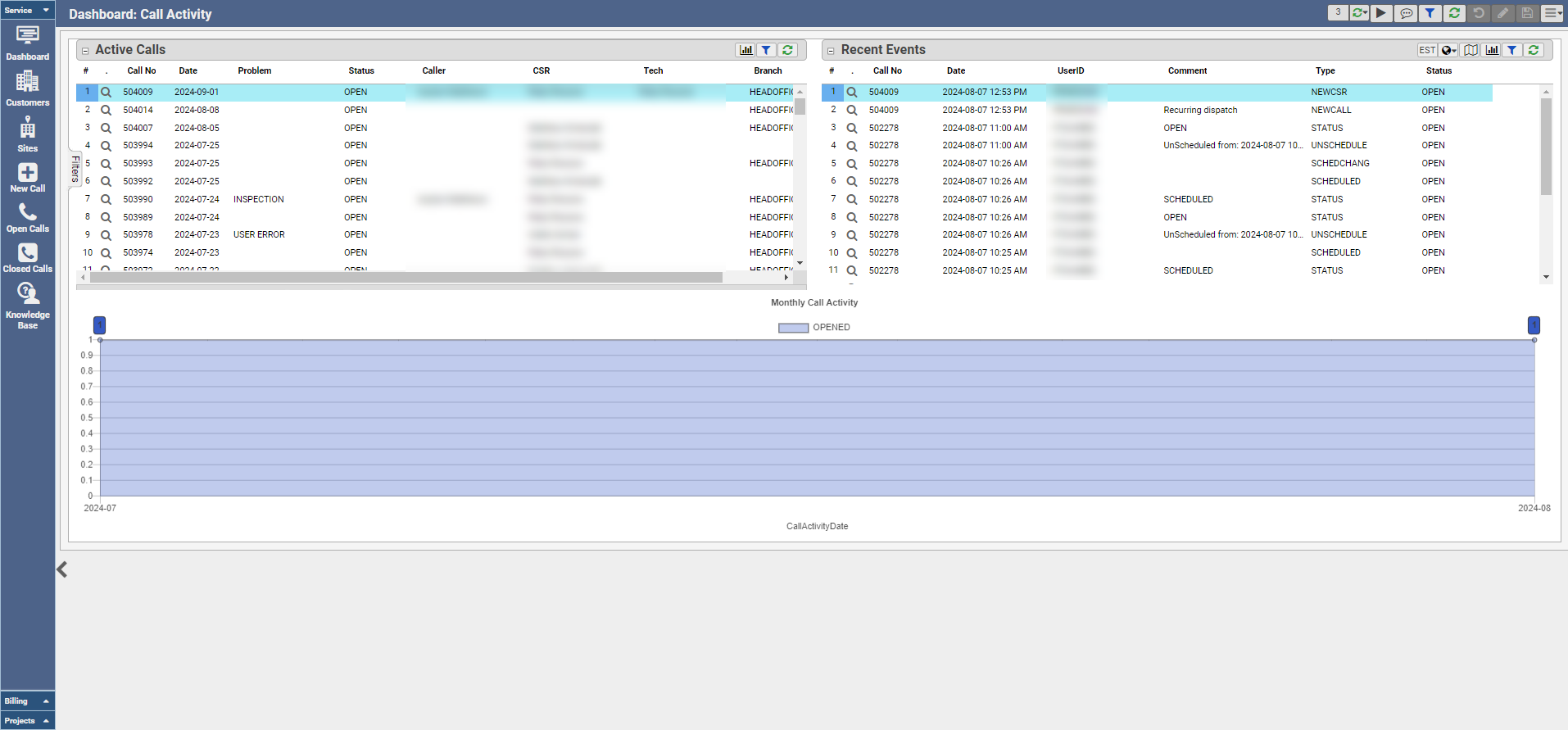
- Dashboard
- Monitor Active Calls
- Review Recent Events
- View Monthly Call Activity graph
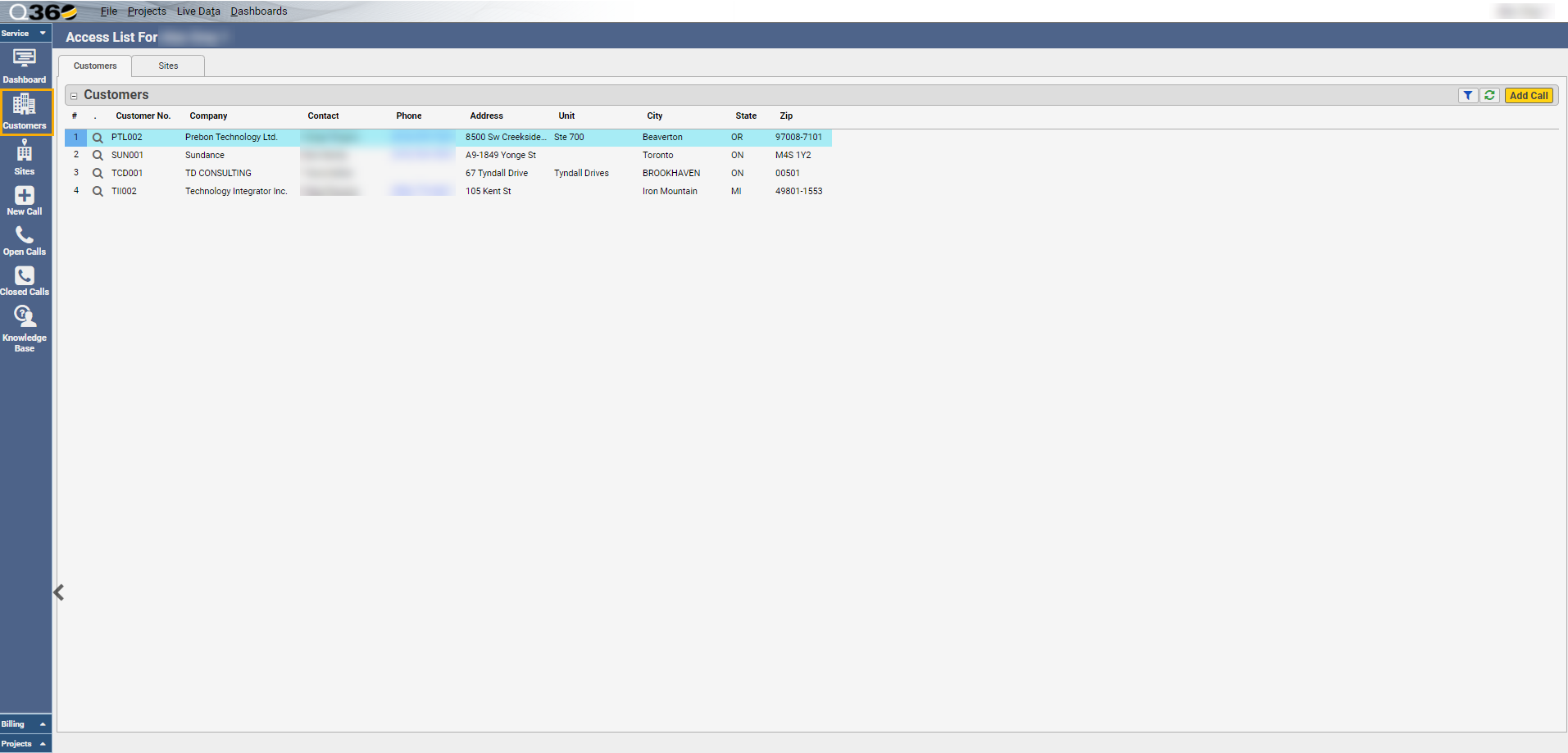
- Customers – list of Customers to which this user has access
- Add a Call – specific to the highlighted Customer
- Drill into Customer record
- View Customer contact information in the grid
- Sites – list of Customer Sites to which this user has access
- Add a Call – specific to the highlighted Site
- Drill into a Site record
- View Site contact information in the grid
- New Call – create a new Call
- Opens Add Call form
- Open Calls – list of Active Calls
- Closed Calls – list of Inactive Calls (calls in a POST state)
- Knowledge Base – search database by
- Keyword
- Call Type
- Category
- Sub Category
- Problemcode
- Billing (Accounting permissions required)
- Outstanding (Unpaid Invoices)
- Past Invoices (Paid Invoices)
- Drill into an Invoice record
- Pay an Invoice (Credit Card integration and proper permissions required) – see Help Center article External User Invoice Payments via Credit Card
- Projects
- My Active Projects – drill into a Project to view Project details, Tasks, and SOW
- Tasks