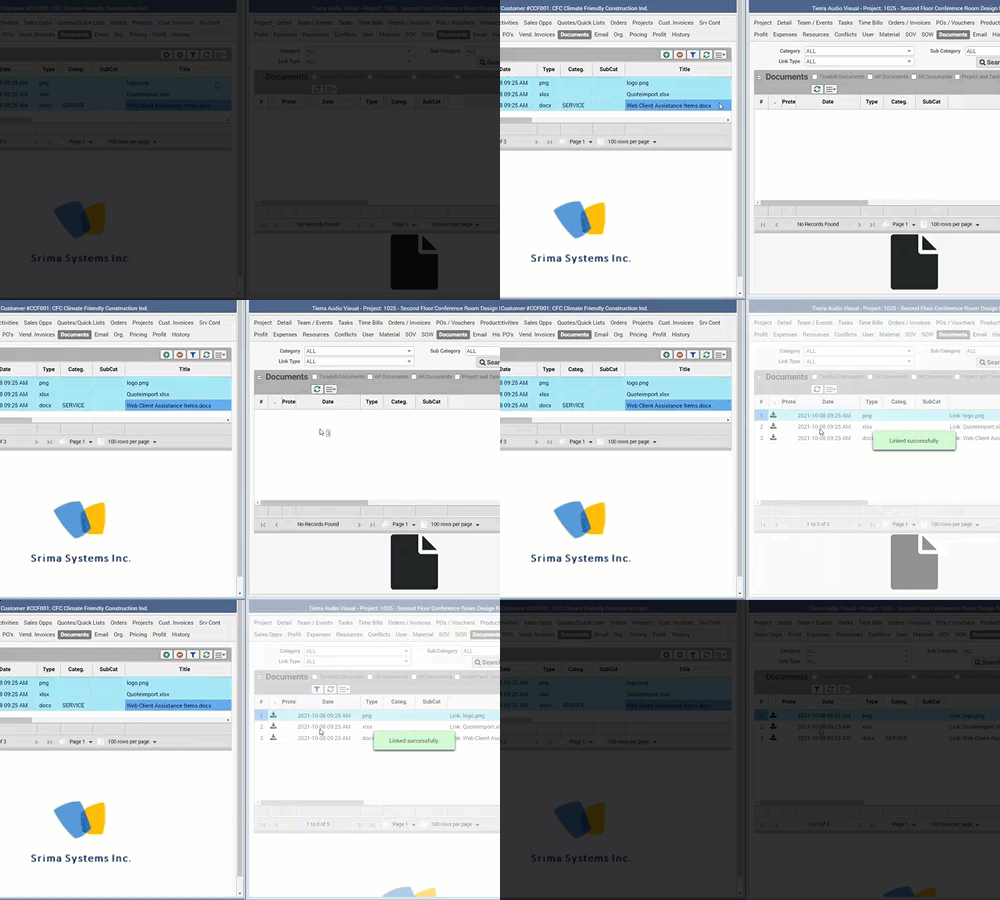
Link an existing document to another doc grid, with the same version of the document referenced from multiple areas within the system, maintaining data integrity. Moreover, you save on storage space.
- Go to any document grid to select the document(s).
- CTRL mouse left click and select one or more rows referencing the document(s) previously saved in the system on that document grid.
- Then drag the selection to a different (targeted) document grid to make the link.
- Notice the newly saved linked document title is prefaced with “Link: ” followed by the title of the original document.